
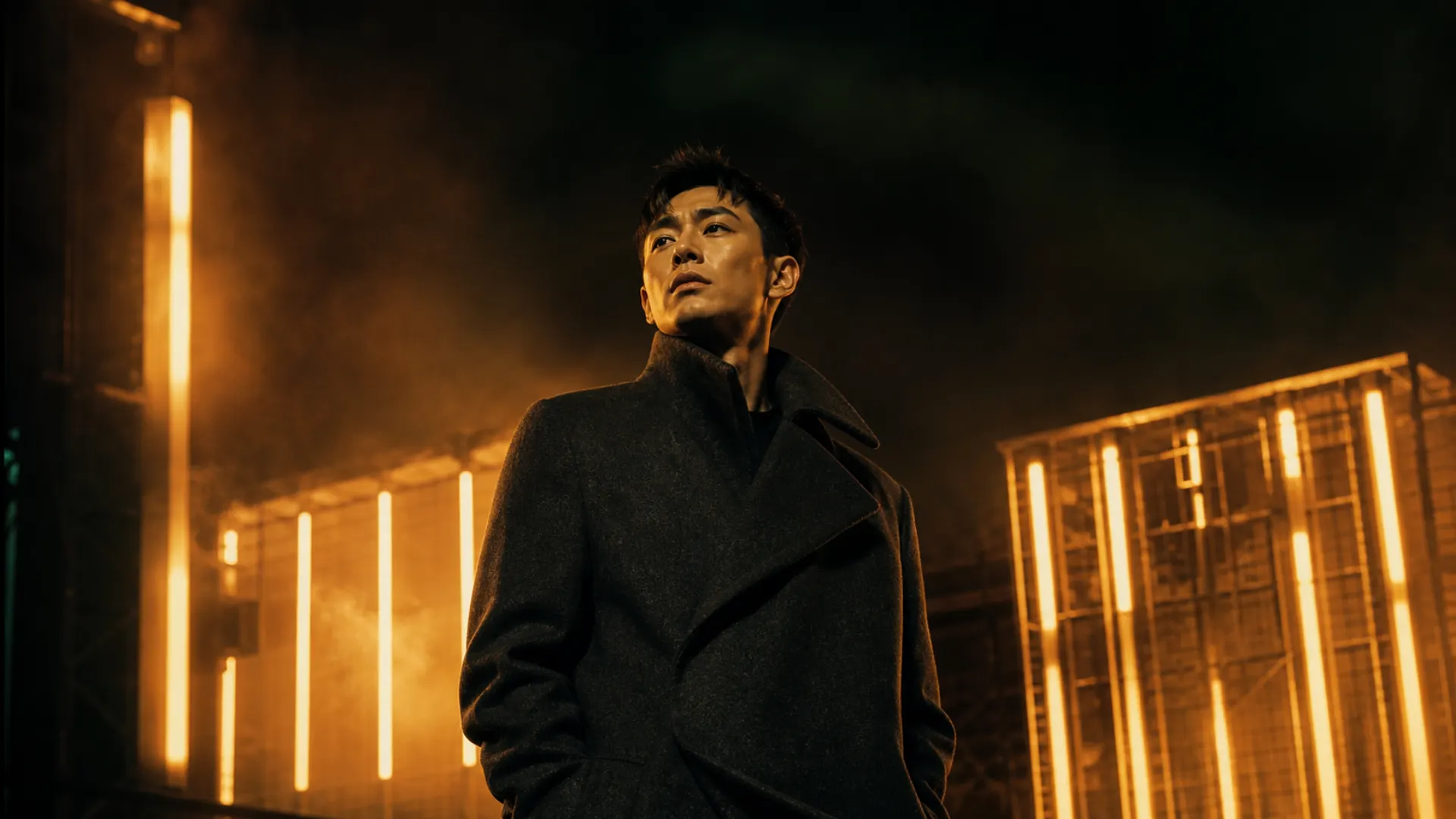
Original video

Result video
Prompt
"Use the reference @Video1 racing-style camera cuts, motion, scene, and sound design, but remove the motorcycle and rider and replace them with the race car from the provided @Image1."
Create cinematic AI videos from text, images, and creative references with Seedance 2.0. Generate short videos for ads, social content, product demos, and storytelling – directly in your browser.
Turn your ideas into videos with Seedance 2.5.
Creative Gallery
Explore short AI videos created with Seedance 2.0 for product promos, cinematic scenes, social clips, and ad concepts.
Define the subject, action, camera movement, visual style, and tone, then generate a cinematic video for advertising concepts, product storytelling, social content, and campaign development.


A premium product launch scene with controlled lighting, smooth reveal movement, and a clean final frame for a paid campaign asset.
Upload a product photo, portrait, character image, or key frame, then guide the motion with a prompt. Preserve the source image as the visual anchor while controlling movement, pacing, framing, and scene direction.

Prompt
Animate the provided tropical village festival image into a joyful 3D video with multiple shots, children dancing, a spinning pinwheel, ribbons, musicians, warm sunset light, and a cheerful mini-story.

Prompt
Animate the provided image into a high-energy pop dance video featuring the young Japanese woman gracefully spinning, dancing, and lip-syncing to an upbeat rhythm while keeping her identity stable.

Prompt
Use the uploaded street basketball image as reference and replace the bird with an original colorful toucan-like tropical bird performing playful basketball tricks in bright daylight with a cheering blurred crowd.

Prompt
Use the uploaded Italian terrace image as reference and create a cinematic shot of an elegant fictional Italian woman at blue hour, gently smiling, winking, and saying “Let me show you a secret” with a refined coastal background.
Use images, videos, and text references to direct character appearance, camera movement, action rhythm, and scene composition. Maintain stronger creative control across reference-led video generations.
Prompt
"Use the reference @Video1 racing-style camera cuts, motion, scene, and sound design, but remove the motorcycle and rider and replace them with the race car from the provided @Image1."


Prompt
"Use the reference @Video1 racing-style camera cuts, motion, scene, and sound design, but remove the motorcycle and rider and replace them with the race car from the provided @Image1."


Prompt
"Use the reference @Video1 fight video’s action choreography, camera cuts, and background sound, but replace the two fighters with the upper and lower characters from the provided @Image1."
[ Creation Controls ]
Seedance 2.0 is built for more controllable AI video creation, with support for text, image, video, and audio references, cinematic motion, and short-form production workflows.
Use Seedly.Video as a browser-based workspace for prompt-to-video, image-to-video, reference-led generation, credits, history, and export tools in one place.
Combine text, images, video, and audio references to guide style, subject behavior, rhythm, and scene direction.
Use visual references and prompt instructions to shape camera movement, action timing, framing, and scene flow.
Create richer clips with audio-supported generation workflows, including sound, rhythm, and dialogue when available.
[ Why Creators Choose Seedly.Video ]
Seedly.Video is designed for creators and teams that need to move from concept to polished video output for advertising, social content, product visuals, and campaign testing.
Keep prompts, references, settings, generations, and outputs connected in one workflow so each iteration builds on the previous direction.
Generate multiple creative directions from one concept and compare hooks, visual angles, and campaign variations with less production overhead.
Use images and references to guide subject appearance, composition, motion, and visual tone with greater precision.
Create video assets that can be reviewed, refined, exported, and tested across ads, landing pages, stores, and social channels.
Move from a prompt or reference asset to a polished AI video output through a guided creation workflow inside Seedly.Video.
Specify the subject, action, camera movement, style, mood, and product moment you want the video to capture.
Upload images or reference assets to guide character appearance, product details, framing, motion, or visual style.
Select aspect ratio, duration, quality, and generation settings based on the intended channel and use case.
Generate the video, review the result, export the output, or refine the prompt and references for the next version.
A focused workspace for generating, reviewing, and exporting short-form videos with prompts, images, references, and credits.
Text · Image · Video · Audio
Text to Video · Image to Video · Reference to Video
16:9 · 9:16 · 1:1 and more
See how creators and teams use Seedly.Video to turn campaign ideas, product assets, and visual references into polished video outputs.
Seedly.Video gives our team a practical way to explore campaign video directions. We can evaluate product scenes, social hooks, and ad concepts before committing to a larger production cycle.

Sarah Chen
Performance Marketing Lead
Starting from a single product or teaching image, I can explore motion, framing, and pacing without rebuilding the concept from the beginning.

Emily Watson
Course Creator
The reference workflow helps me communicate creative direction visually. I can guide mood, framing, and movement while keeping each version aligned with the original concept.

David Kim
Creative Director
Answers about Seedly.Video, Seedance 2.0 workflows, credits, references, audio availability, and commercial use.
Seedly.Video is an independent AI video creation workspace for generating short-form videos with Seedance 2.0 and other supported generation models.
No. Seedly.Video is an independent platform and is not affiliated with, endorsed by, sponsored by, or officially connected with ByteDance or Seedance. Model names are used only to identify supported generation workflows.
You can create short-form videos for ads, product scenes, social content, storytelling, visual experiments, and campaign concepts.
Depending on the selected mode and model availability, you can start from prompts, images, visual references, and audio-supported options.
Some workflows may support audio-related generation or audio-guided creation. Availability can depend on the selected mode, settings, and current model support.
Each generation uses credits based on the selected model, duration, quality, and enabled features. Free credits let you test the workflow before upgrading.
Paid plans include commercial usage rights for generated outputs, subject to our Terms of Service and any third-party model or content restrictions.
Start with a prompt, image, or creative reference and generate a polished short-form video inside Seedly.Video.